> ## Documentation Index
> Fetch the complete documentation index at: https://docs.monk.io/llms.txt
> Use this file to discover all available pages before exploring further.
# Autonomous Deployment
> End-to-end deployment automation from code to production
## What It Does
Open your project in your IDE. Tell Monk to deploy it. Monk handles everything from code analysis to production — no configuration files, no container definitions, no infrastructure templates. It works whether you're shipping a single service or a polyglot monorepo.
## How It Works
### Phase 1: Analysis & Planning
Open your project in your [IDE](/features/vscode-integration) and tell your coding agent to deploy it. Monk then:
1. **Analyzes your source code** — [Deep-dives](/features/code-analysis) into your app structure across any language or framework
2. **Maps all components** — Frontends, backends, API servers, workers, cron jobs
3. **Containerizes services** — [Builds containers](/features/containerization) for each component and verifies they run
4. **Identifies third-party services** — [Databases](/features/databases), [message queues](/features/essential-services), [APIs](/features/apis) your app depends on
5. **Infers configuration** — [Generates](/features/configuration-and-wiring) environment variables and connection strings based on service relationships
You get a human-readable configuration of your entire system to review before anything ships.
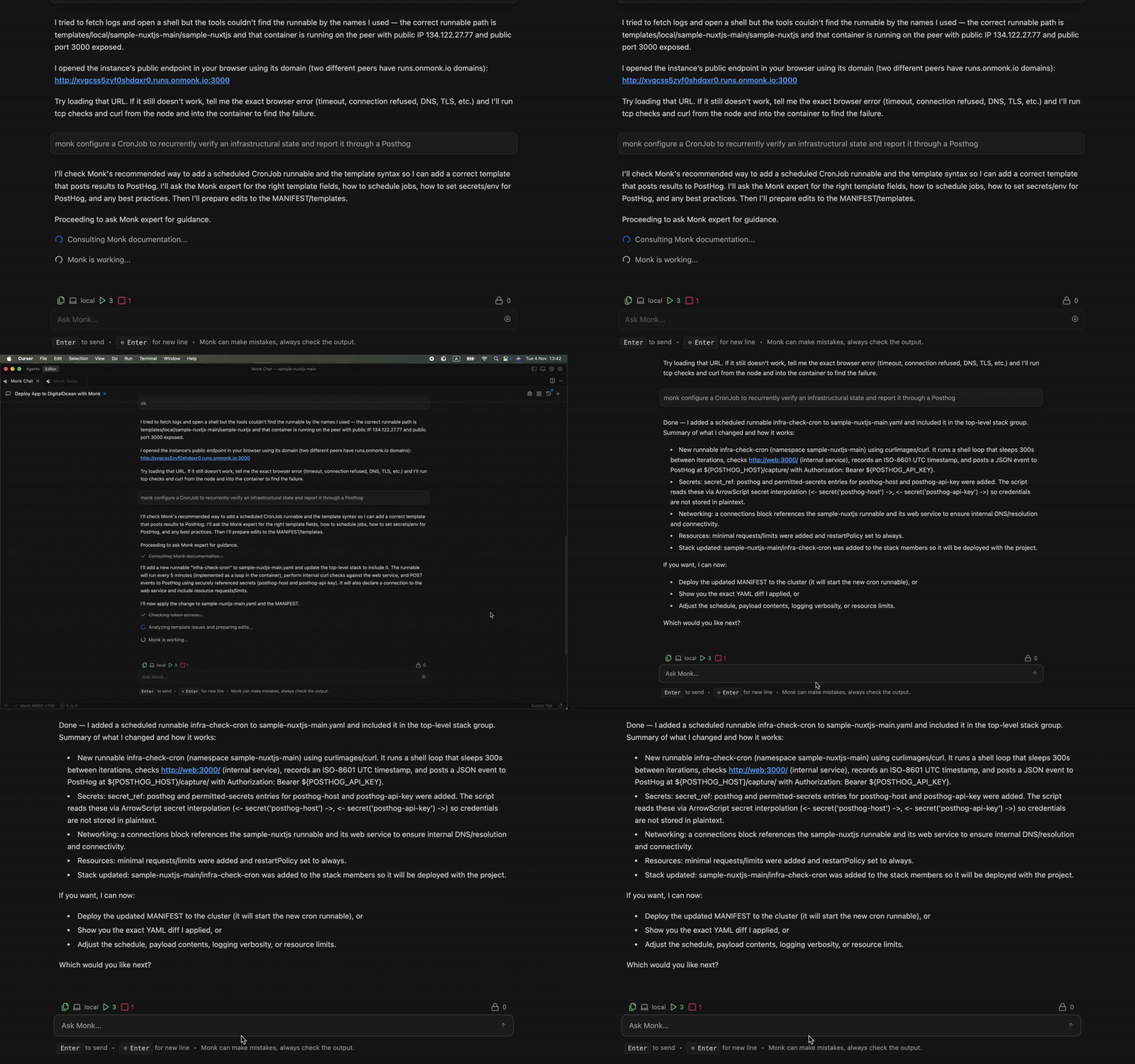 ### Phase 2: Infrastructure & Deployment
Once you approve, Monk:
1. **Provisions infrastructure** — [Creates cloud resources](/features/cloud-provisioning) (VMs, GPUs, VPCs, load balancers) across [any provider](/features/multi-cloud)
2. **Deploys your app** — Your code and all third-party services, wired together
3. **Places each component optimally**:
* **Frontend** (React, Vue, etc.) → Netlify or Vercel
* **API server** → Containerized on cloud compute
* **Database** → Managed service or self-hosted
* **Workers** → Containerized with auto-scaling
### Example: E-commerce App
Say you have a project with a React frontend, Node.js API, Python recommendation engine, PostgreSQL, Redis, and Stripe.
**You:** `deploy this project`
**Monk:** Analyzes all three codebases, detects Postgres/Redis/Stripe dependencies, containerizes the Node.js and Python services, and presents a plan — frontend on Netlify, API on AWS ECS, recommendation engine on AWS with GPU, Postgres on RDS, Redis on Redis Cloud, Stripe wired in.
**You:** Approve and provide credentials.
**Monk:** Provisions everything and deploys. Fully wired, ready to go.
## Credentials & Security
Monk needs **credentials and authorization** for your cloud providers, hosting platforms, and database providers. That's the only thing it asks of you.
Credentials are encrypted at rest in your IDE's secret storage and on your Monk cluster using your cloud provider's KMS. They are never sent to Monk servers and never exposed to the LLM. See [Security](/features/security) for details.
You authorize Monk once per provider. It handles the rest.
> [How to obtain credentials](/getting-started/obtaining-credentials) for all supported providers
***
How Monk understands your codebase before deployment
Deploy across AWS, GCP, Azure, DigitalOcean, Hetzner, and more
### Phase 2: Infrastructure & Deployment
Once you approve, Monk:
1. **Provisions infrastructure** — [Creates cloud resources](/features/cloud-provisioning) (VMs, GPUs, VPCs, load balancers) across [any provider](/features/multi-cloud)
2. **Deploys your app** — Your code and all third-party services, wired together
3. **Places each component optimally**:
* **Frontend** (React, Vue, etc.) → Netlify or Vercel
* **API server** → Containerized on cloud compute
* **Database** → Managed service or self-hosted
* **Workers** → Containerized with auto-scaling
### Example: E-commerce App
Say you have a project with a React frontend, Node.js API, Python recommendation engine, PostgreSQL, Redis, and Stripe.
**You:** `deploy this project`
**Monk:** Analyzes all three codebases, detects Postgres/Redis/Stripe dependencies, containerizes the Node.js and Python services, and presents a plan — frontend on Netlify, API on AWS ECS, recommendation engine on AWS with GPU, Postgres on RDS, Redis on Redis Cloud, Stripe wired in.
**You:** Approve and provide credentials.
**Monk:** Provisions everything and deploys. Fully wired, ready to go.
## Credentials & Security
Monk needs **credentials and authorization** for your cloud providers, hosting platforms, and database providers. That's the only thing it asks of you.
Credentials are encrypted at rest in your IDE's secret storage and on your Monk cluster using your cloud provider's KMS. They are never sent to Monk servers and never exposed to the LLM. See [Security](/features/security) for details.
You authorize Monk once per provider. It handles the rest.
> [How to obtain credentials](/getting-started/obtaining-credentials) for all supported providers
***
How Monk understands your codebase before deployment
Deploy across AWS, GCP, Azure, DigitalOcean, Hetzner, and more