

Basic Deployment
Choose a Cloud Provider
Specify Region
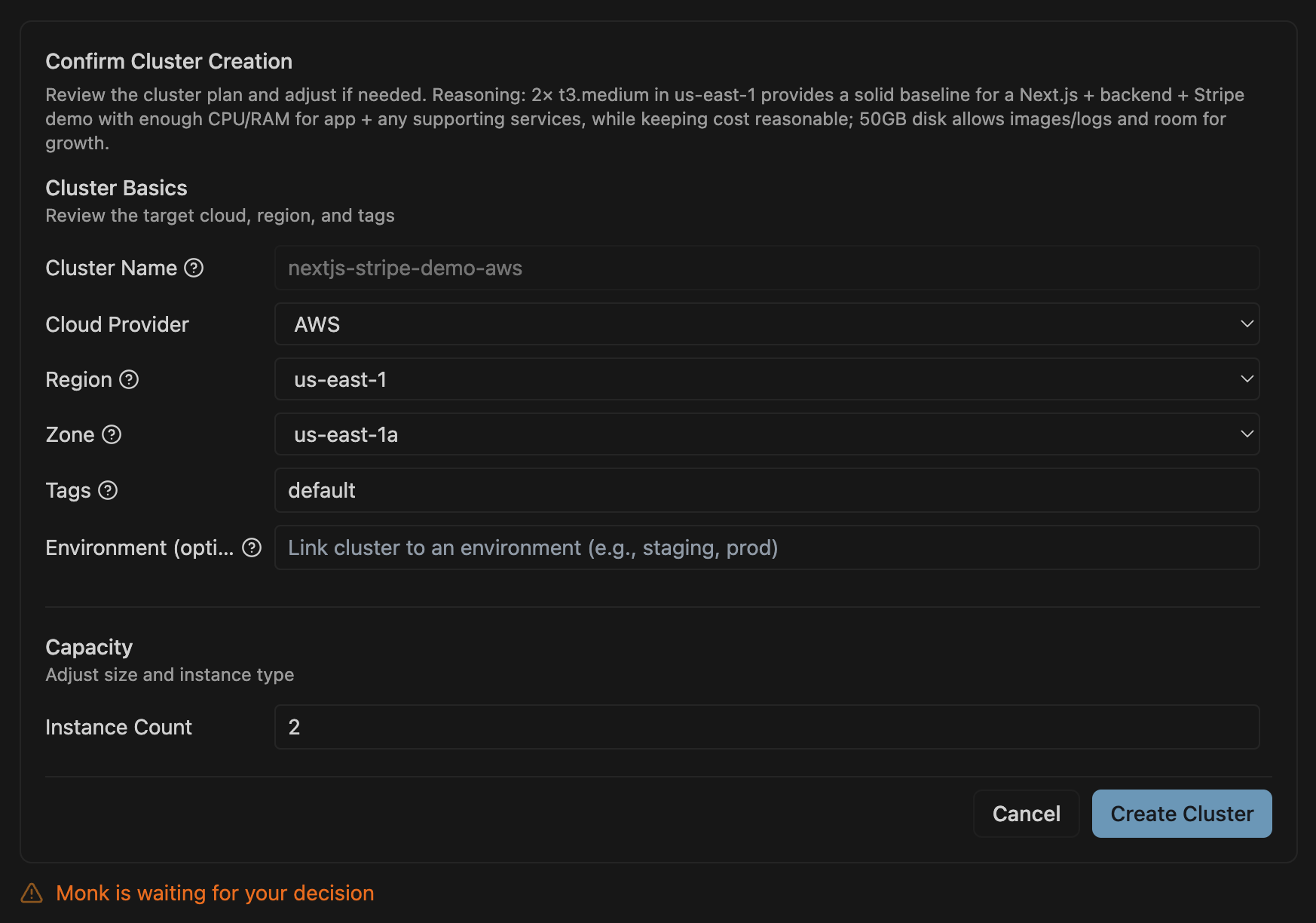
Full Specification
Analyze Before Deploying
What Monk Asks For
Cloud credentials:- AWS access keys
- GCP service account
- Azure credentials
- DigitalOcean API token
- MongoDB Atlas, Redis Cloud, Netlify, Auth0, Vercel, etc.
- Monk requests these when it detects usage in your code
- Which cloud provider?
- Which region?
- How to deploy databases? (managed vs self-hosted)
What Happens
- Code analysis - Monk examines your project
- Containerization - Creates Docker containers automatically
- Infrastructure provisioning - Sets up cloud resources (VMs, databases, networking)
- Deployment - Deploys everything and wires it together
- Verification - Checks that everything is healthy
After Deployment
Next Steps
- Set Up CI/CD - Auto-deploy on code push
- Monitor & Debug - View logs and troubleshoot
- Manage Costs - Check spending